[vc_row][vc_column][vc_tta_tour style=”modern” color=”blue” spacing=”2″ active_section=”1″][vc_tta_section add_icon=”true” title=”Html Tag Title” tab_id=”1556271529994-f5bc3c12-0598″][vc_column_text]
Html Tag Title
<title>relevant and attractive phrase | ADD YOUR TITLE</title>
Just look at the following example to see how it looks like :
<!DOCTYPE HTML PUBLIC “-//W3C//DTD HTML 4.0 Transitional//EN”> <html>
<head>
<title>My Test page</title>
</head>
<body>
Here you find a test text
</body>
</html>
Check out the following example:


Meta Tag “DESCRIPTION”
<meta name=”description” content=”text”>
Just look at the following example to see how it looks like :
<meta name=”description” content=”On our website you will find all the information about meta tags, search engine optimization and submitting your website to the search engines.”>
Check out the following example:


Meta Tag “keywords”
<meta name=”keywords” content=”text”>
Just look at the following example to see how it looks like :
<meta name=”keywords” content=”meta tag, submit, search engines, spiders, sites, submit site, seo websites, website design, search engine submit, website, submit website, add meta tags, find website, be found on internet, keywords, keyword”>
Check out the following example:


[/vc_column_text][/vc_tta_section][vc_tta_section add_icon=”true” title=”Meta Name Robots” tab_id=”1556272460848-0ec30a63-20ec”][vc_column_text]
Meta Name Robots
<meta name=”robots” content=”selection”>
Just look at the following example to see how it looks like :
<meta name=”robots” content=”index, follow”>
<META NAME=cc=”INDEX, FOLLOW”>
<META NAME=”robots” CONTENT=”index, follow”>
<meta name=”robots” CONTENT=”all”>
Check out the following example:


Meta Name Revisit-After
<meta name=”revisit-after” content=”period”>
Just look at the following example to see how it looks like :
<meta name=”revisit-after” content=”7 days”> <meta name=”revisit-after” content=”1 month”>
Check out the following example:


Meta Tag “ABSTRACT”
<meta name=”abstract” content=”text”>
Just look at the following example to see how it looks like :
<meta name=”abstract” content=”a very short description of your website “>
Check out the following example:

Meta Tag Name”Author”
<meta name=”author” content=”text”>
Just look at the following example to see how it looks like :
<meta name=”author” content=”the news book”>
<meta name=”author” content=”John Smith”>
Check out the following example:


Meta Name “Contact”
<meta name=”contact” content=”email@address”>
Just look at the following example to see how it looks like :
<meta name=”contact” content=”emailaddress@domainname.com” /> <meta name=”contact” content=”email@domainname.org”>
Check out the following example:


Meta Tag “COPYRIGHT”
<meta name=”copyright” content=”name of owner”>
Just look at the following example to see how it looks like :
<meta name=”copyright” content=”the Metatags Company”> <meta name=”copyright” content=”the Metatags Company” />
Check out the following example:

Meta Tag “Distribution”
<meta name=”distribution” content=”option”>
Just look at the following example to see how it looks like :
<meta name=”distribution” content=”world-global”>
Check out the following example:


Meta Tag “Expires”
<meta name=”expires” content=”date”>
Just look at the following example to see how it looks like :
<meta name=”expires” content=”tue, 01 Jun 2010″>
<meta name=”expires” content=”tue, 01 Jun 2010 19:45:00 GMT”>
Check out the following example:

Meta Name “Generator” Tag
<meta name=”generator” content=”program”>
or use:
<meta name=”formatter” content=”program”>
Just look at the following example to see how it looks like :
<meta name=”generator” content=”Dreamweaver”>
<meta name=”generator” content=”EditPlus”>
<meta name=”generator” content=”Frontpage”>
<meta name=”generator” content=”FrontPage 4.0″>
<meta name=”generator” content=”WordPress”>
Check out the following example:


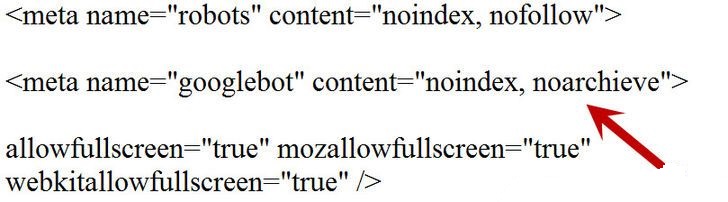
Meta Name “Googlebot”
<meta name=”googlebot” content=”code”>
Just look at the following example to see how it looks like :
<meta name=”googlebot” content=”noodp”>
Check out the following example:

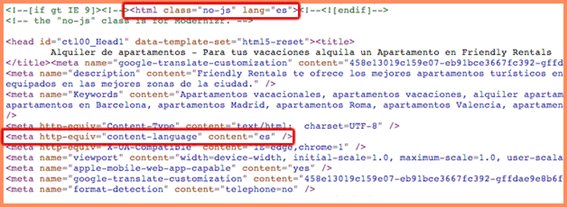
Meta Tag “LANGUAGE”
<meta name=”language” content=”language”>
Just look at the following example to see how it looks like :
<meta name=”language” content=”Spanish”>
<meta name=”language” content=”English”>
<meta name=”language” content=”English” />
Check out the following example:

Meta Tag “news_keywords”
<meta name=”news_keywords” content=”World Cup, Latest News Spain vs India”>
Just look at the following example to see how it looks like :
<meta name=”news_keywords” content=”World Cup, World News, soccer, football, Songs, Music, Movie”>
Check out the following example:


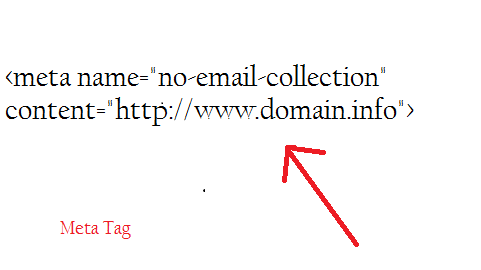
Meta Tag “NO EMAIL COLLECTION”
<meta name=”no-email-collection” content=”link or terms”>
Just look at the following example to see how it looks like :
<meta name=”no-email-collection” content=”http://www.domain.info”>
Check out the following example:

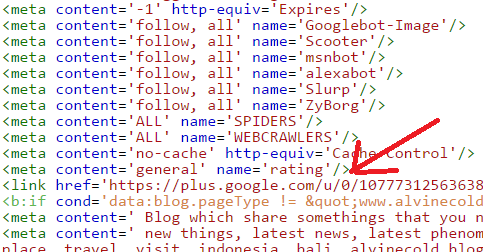
Meta Name “Rating” Tag
<meta name=”rating” content=”value”>
Just look at the following example to see how it looks like :
<meta name=”rating” content=”general”>
<meta name=”rating” content=”safe for child”>
Check out the following example:

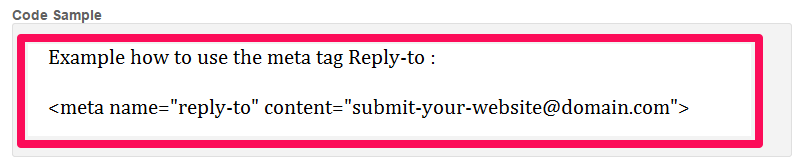
Meta Tag “Reply-To”
<meta name=”reply-to” content=”email address”>
Just look at the following example to see how it looks like :
<meta name=”reply-to” content=”submit-your-website@domain.com”>
Check out the following example:

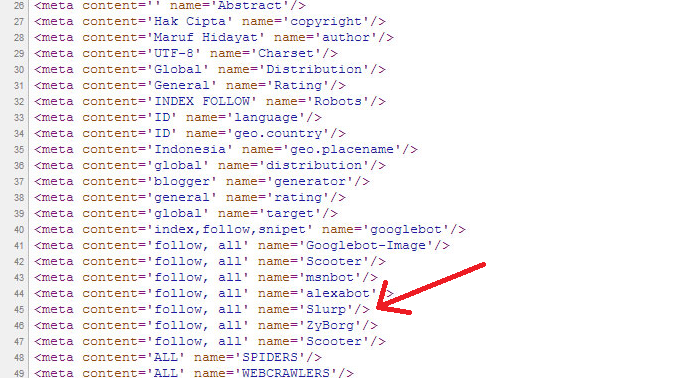
Meta Tag “Slurp”
<meta name=”slurp” content=”noydir”>
Just look at the following example to see how it looks like :
<META NAME=”GOOGLEBOT” CONTENT=”NOODP”>
<META NAME=”SLURP” CONTENT=”NOODP”>
<META NAME=”MSNBOT” CONTENT=”NOODP”>
<META NAME=”ROBOTS” CONTENT=”NOYDIR”>
<META NAME=”ROBOTS” CONTENT=”NOODP”>
Check out the following example:

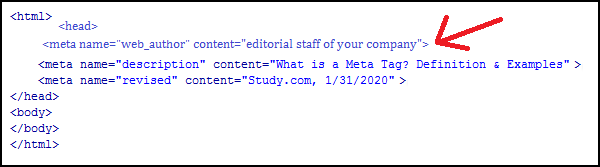
Meta Tag “WEB_AUTHOR”
<meta name=”web_author” content=”your text”>
Just look at the following example to see how it looks like :
<meta name=”web_author” content=”editorial staff of your company”>
Check out the following example:

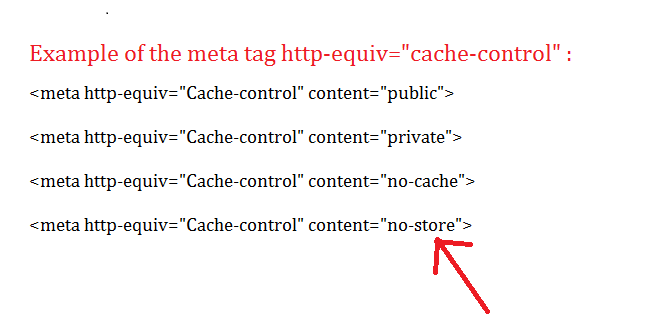
HTML Meta tag HTTP-EQUIV “CACHE-CONTROL”
<meta http-equiv=”Cache-control” content=”description”>
Just look at the following example to see how it looks like :
<meta http-equiv=”Cache-control” content=”public”>
<meta http-equiv=”Cache-control” content=”private”>
<meta http-equiv=”Cache-control” content=”no-cache”>
<meta http-equiv=”Cache-control” content=”no-store”>
Check out the following example:

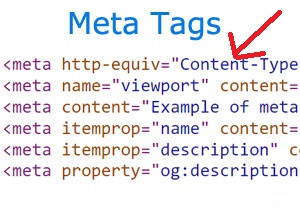
HTML Meta Tag HTTP-EQUIV “CONTENT-TYPE”
<meta http-equiv=”Content-Type” content=”text/html”>
Just look at the following example to see how it looks like :
<meta http-equiv=”Content-Type” content=”text/html; charset=iso-8859-1 “>
Check out the following example:

HTML Meta Tag HTTP-EQUIV “SET-COOKIE”
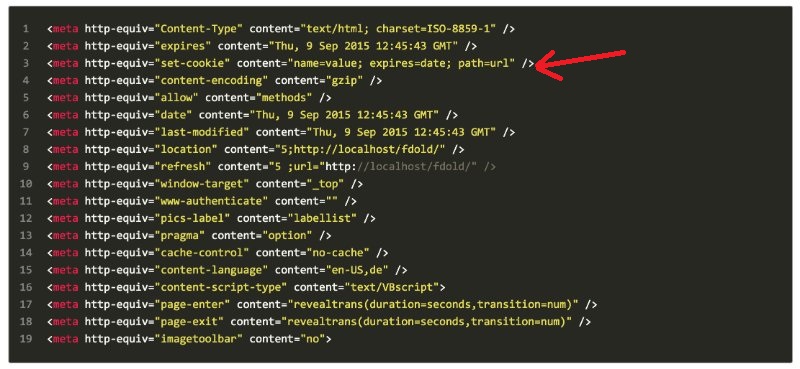
<meta http-equiv=”Set-Cookie” content=”name, date”>
Just look at the following example to see how it looks like :
<meta http-equiv=”Set-Cookie” content=”ACCOUNT=7696706; path=/; expires=Thursday, 22-June-09 00:15:00 GMT”>
Check out the following example:

HTML Meta Tag HTTP-EQUIV “CONTENT-DISPOSITION”
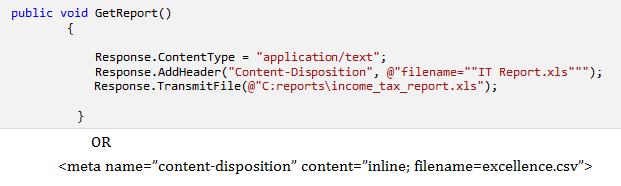
<meta http-equiv=”content-disposition” content=”description”>
Just look at the following example to see how it looks like :
<meta name=”content-disposition” content=”inline; filename=excellence.csv”>
Check out the following example:

HTML Meta Tag HTTP-EQUIV “IMAGETOOLBAR”
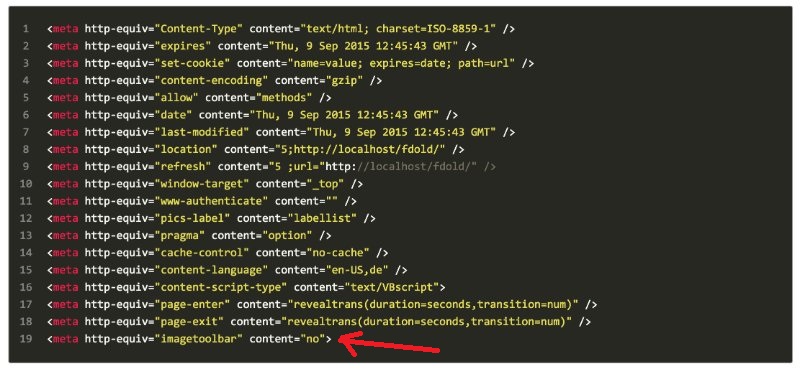
<meta http-equiv=”imagetoolbar” content=”value”>
Just look at the following example to see how it looks like :
<meta http-equiv=”imagetoolbar” content=”yes”>
<meta http-equiv=”imagetoolbar” content=”no”>
Check out the following example:
HTML Meta Tag HTTP-EQUIV “MSTHEMECOMPATIBLE”
<meta name=”MSThemeCompatible” content=”value”>
Just look at the following example to see how it looks like :
<meta name=”MSThemeCompatible” content=”yes”>
<meta name=”MSThemeCompatible” content=”no”>
Check out the following example:

[/vc_column_text][/vc_tta_section][vc_tta_section add_icon=”true” title=”Meta Equiv Pics-Label” tab_id=”1556275668216-a67c8490-3dca”][vc_column_text]
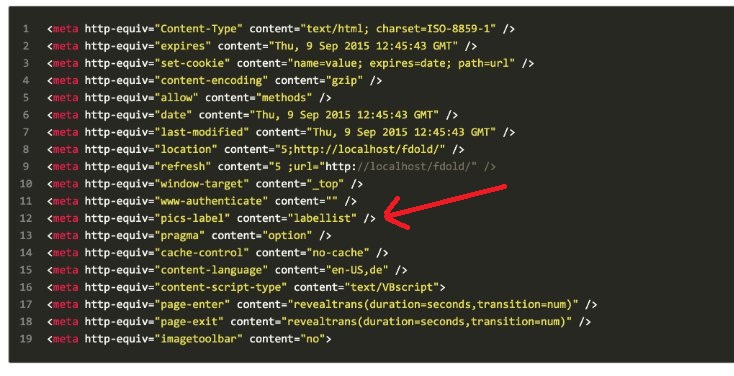
HTML Meta Tag HTTP-EQUIV “PICS LABEL”
<meta http-equiv=”Pics-label” content=”value”>
Categories of Pics Label :
-
Pics-label Multiculturalism
-
Pics-label Education
-
Pics-label Environmental Awareness
-
Pics-label Tolerance
-
Pics-label Violence
-
Pics-label Profanity
-
Pics-label Safety etc…
Check out the following example:

HTML Meta Tag HTTP-EQUIV “PRAGMA”
<meta http-equiv=”pragma” content=”no-cache”>
Just look at the following example to see how it looks like :
<meta http-equiv=”pragma” content=”no-cache”>
<meta http-equiv=”pragma” content=”no-cache” />
Check out the following example:

HTML Meta Tag HTTP-EQUIV “REFRESH”
<meta http-equiv=”refresh” content=”value”>
This refresh-tag will redirect you to another web-page automatically.
<meta http-equiv=”refresh” content=”30; ,URL=http://www.domain.com/login”>
Just look at the following example to see how it looks like :
<meta http-equiv=”refresh” content=”10;URL=/2012registration.html”>
Check out the following example:

HTML Meta Tag HTTP-EQUIV “RESOURCE-TYPE”
<meta http-equiv=”Resource-Type” content=”value”>
Just look at the following example to see how it looks like :
<meta http-equiv=”Resource-Type” content=”document”>
Check out the following example:

HTML Meta Tag HTTP-EQUIV “CONTENT-SCRIPT”
<meta http-equiv=”Content-Script-Type” content=”value”>
Just look at the following example to see how it looks like :
<meta http-equiv=”Content-Script-Type” content=”text/javascript”> Applicable values :
- text/plain
- text/html
- application/binary
- application/postscripts
- image/gif
- image/xbm
- image/jpeg
- audio/basic
- video/mpeg
- video/QuickTime
Check out the following example:

HTML tag HTTP-EQUIV “CONTENT-STYLE-TYPE”
<meta http-equiv=”Content-Style-Type” content=”value”>
Just look at the following example to see how it looks like :
<meta http-equiv=”Content-Style-Type” content=”text/css”>
Check out the following example:

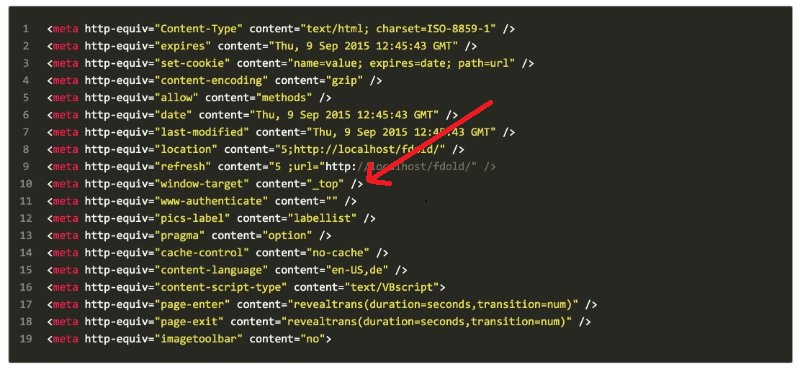
HTML Meta Tag HTTP-EQUIV “WINDOW-TARGET”
<meta http-equiv=”Window-Target” content=”_value”>
Just look at the following example to see how it looks like :
<meta http-equiv=”Window-Target” content=”_top”>
Check out the following example:
Dublin Core Metadata Element Set ( dc meta tags )
<meta name=”dc.language” CONTENT=”text”>
Just look at the following example to see how it looks like :
<meta name=”dc.language” CONTENT=”USA”>
<meta name=”dc.source” CONTENT=”http://www.domain.com/”>
<meta name=”dc.relation” CONTENT=”http://www.second-domain.com/”>
<meta name=”dc.title” CONTENT=”a title”>
<meta name=”dc.keywords” CONTENT=”more keywords”>
<meta name=”dc.subject” CONTENT=”the subject”>
<meta name=”dc.description” CONTENT=”A description of the content”>
Check out the following example:

